はじめに
- 初めてNext.jsの13のチュートリアルをしており、いい感じに実装してたのにボタンにonClickを実装しようとしたら、

Event handlers cannot be passed to Client Component props.
  <button style={{...}} onClick={function} children=...>
                                ^^^^^^^^^^
If you need interactivity, consider converting part of this to a Client Component.
とかいうエラーが出た。
解決方法
<button onClick={}> Event handlers cannot be passed to Client Component props
https://stackoverflow.com/questions/74471642/nextjs-13-button-onclick-event-handlers-cannot-be-passed-to-client-componen
stackoverflow.com

これより、「Next.js 13ではデフォルトで全ての関数がサーバーコンポーネントとなるためクライアントサイドのアクティビティを有効にするには、’use client’;をつけるだけでいいらしい。
例:
まじでコードの冒頭に入れるだけ。
注:Next 13以外で実行するとエラーが発生する可能性がある。
'use client';

export default function Home() {

    const fetchCatImage = async () => {
      const res = await fetch('https://api.thecatapi.com/v1/images/search');
      const data = await res.json();
      console.log(data);
    };

  return (
    <div
      style={{
        display: 'flex',
        flexDirection: 'column',
        alignItems: 'center',
        fontFamily: 'sans-serif',
        justifyContent: 'center',
        height: '100vh',
      }}>
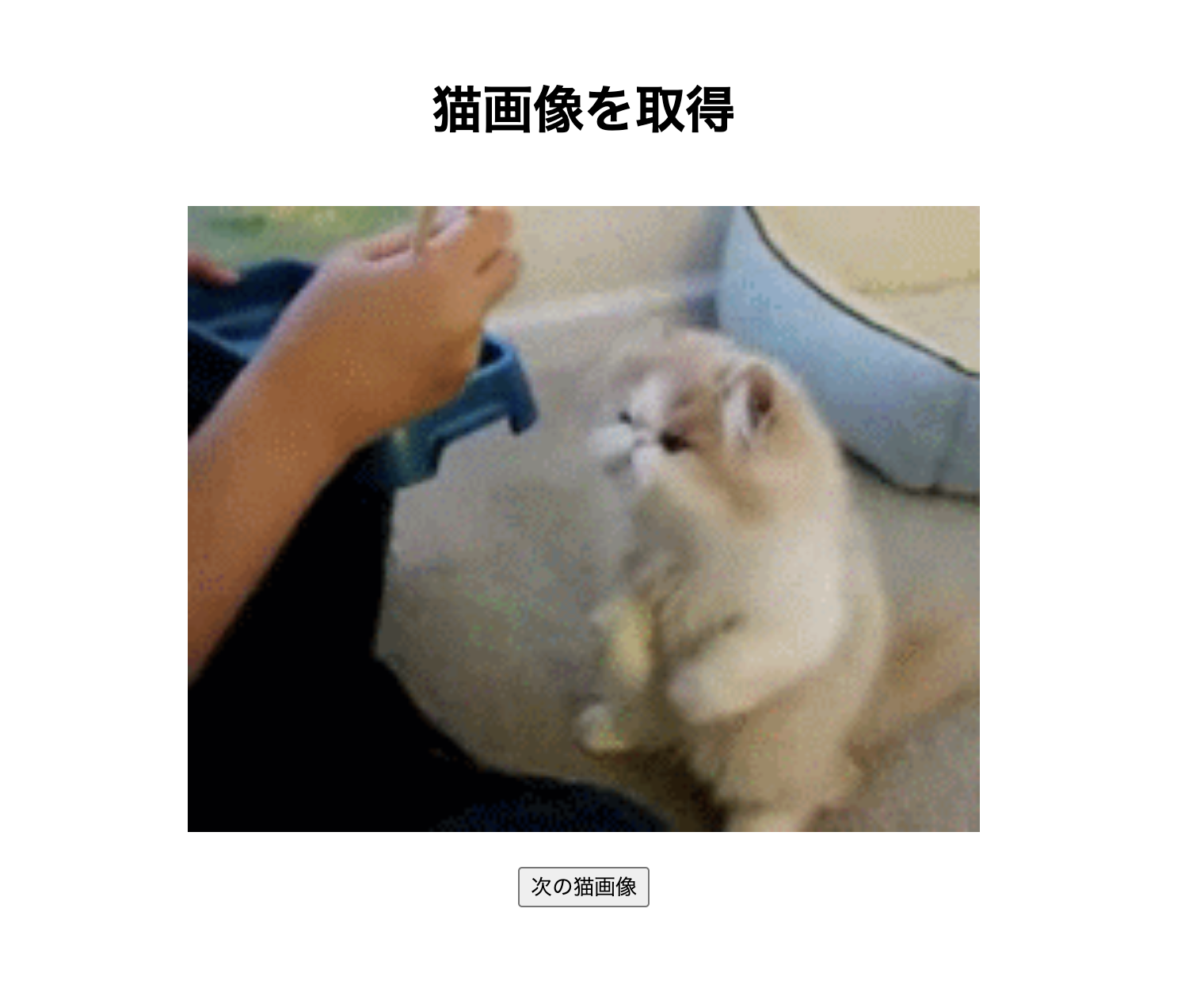
        <h1>猫画像を取得</h1>
        <p>
          <img
            src="https://cdn2.thecatapi.com/images/4kc.gif"
            width={500}
            height="auto"
          />
        </p>
        <button style={{ marginTop:"18"}} onClick={fetchCatImage}>
          次の猫画像
        </button>
    </div>
  )
}
うん!いい感じ。